Your world
Situations
Draft scenes by putting a few characters in a setting, then make them part of the story.
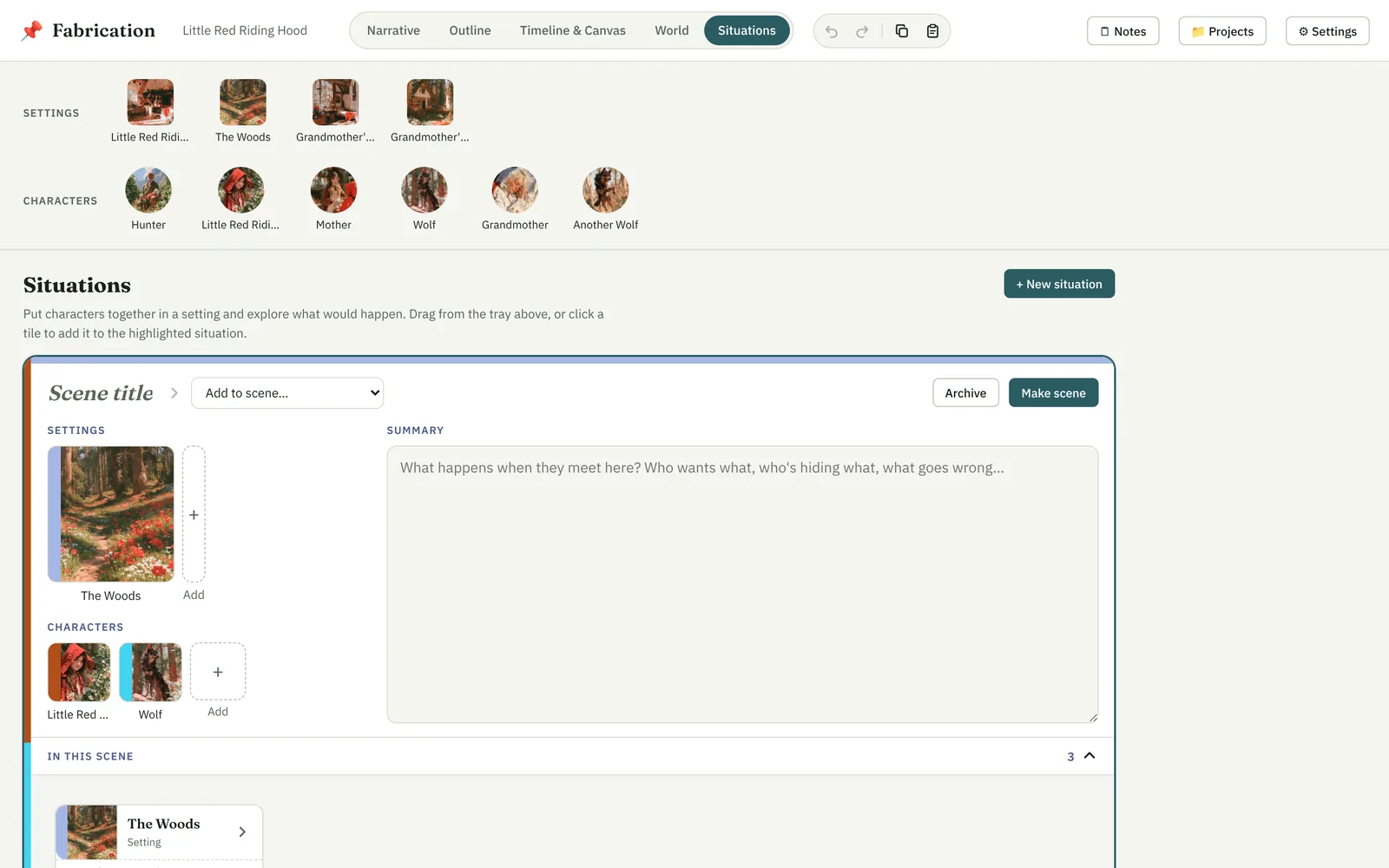
A situation is a scene in the making: a setting, a few characters, and what would happen if they met there.
- The tray of every setting and character stays at the top. Drag a tile onto a situation — or click it to add it to the highlighted one.
- + New situation starts another. Give it a title and say what happens; it saves as you type.
- In this scene, under the card, is the same as on the corkboard: its cast laid out to arrange, connectors from a card's ● to another, + Add… to put any other element in the scene, and a click on a card for its details (and to take it out).
When it's ready
New situations are drafts: they're not in the Outline, the Narrative or on the corkboard until you say so.
- Make scene puts it in the story as a scene of its own.
- Archive sets it aside. The archive, collapsed at the bottom, lets you read or restore it.