Writing
Outline
Every scene as a row — summary, pages, settings and characters — to reorder.
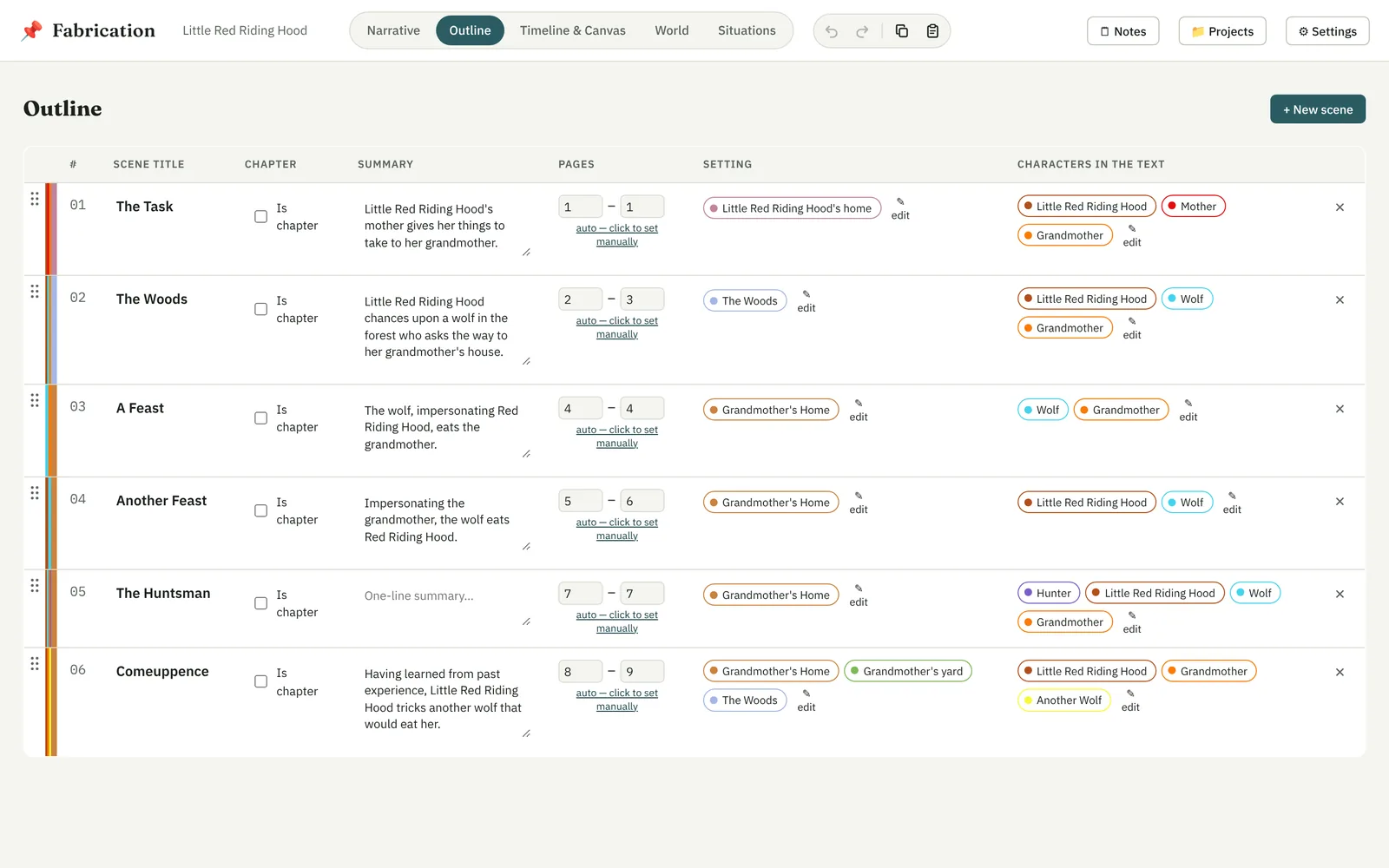
The Outline is the whole story as a table: one row a scene, in story order, numbered.
- Scene title and summary — edit them right in the row.
- Pages — worked out from the scene's text as you write, or set by hand.
- Setting and Characters in the text — add, remove, or type a new name to make a new element right there.
Sections and chapters
Sections and chapters are rows of their own among the scenes. + Section and + Chapter add one before the selected scene (or at the end). Type its title in the row — leave it empty for “Chapter 3” — switch it between section and chapter, or ✕ to remove it; its scenes stay. A section holds the chapters after it; a chapter, the scenes after it.
Reordering
Drag a row by its handle to move the scene, or the section or chapter. A heading stays where it is when the scenes around it move.